| Step 1 | 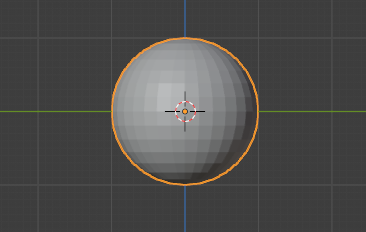 | Begin with a UV Sphere |
| Step 2 | 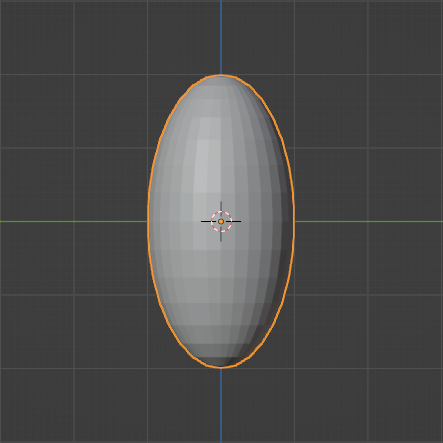 | Scale along the Z axis by two |
| Step 3 | 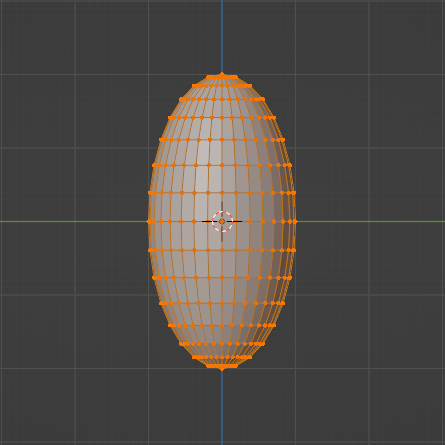 | Tab into edit mode |
| Step 4 | 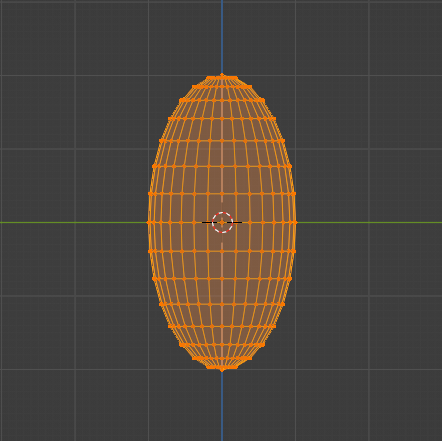 | Shift Z into wireframe mode |
| Step 5 | 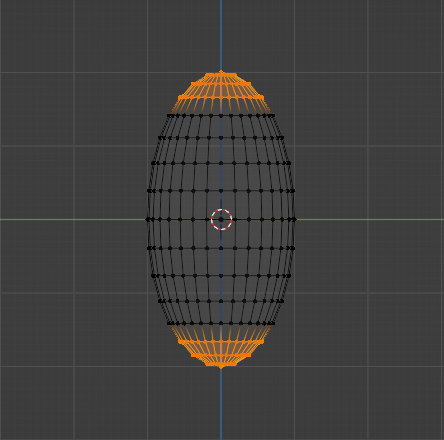 | While holding shift, select the top and bottom sections |
| Step 6 | 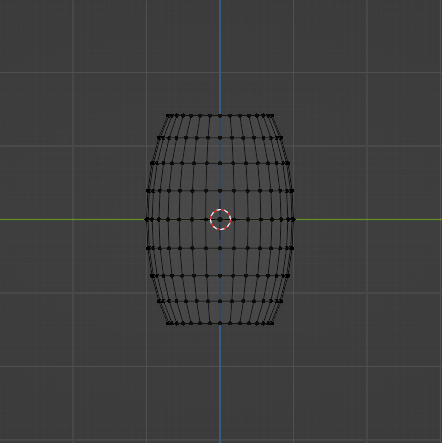 | Press X to delete the sections |
| Step 7 | 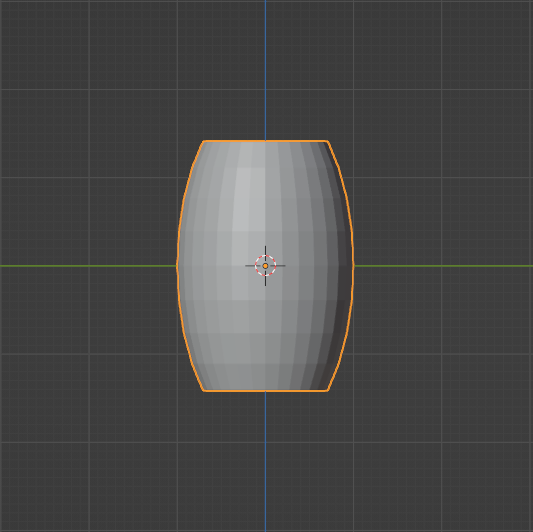 | Exit wireframe mode by pressing Shift Z |
| Step 8 | 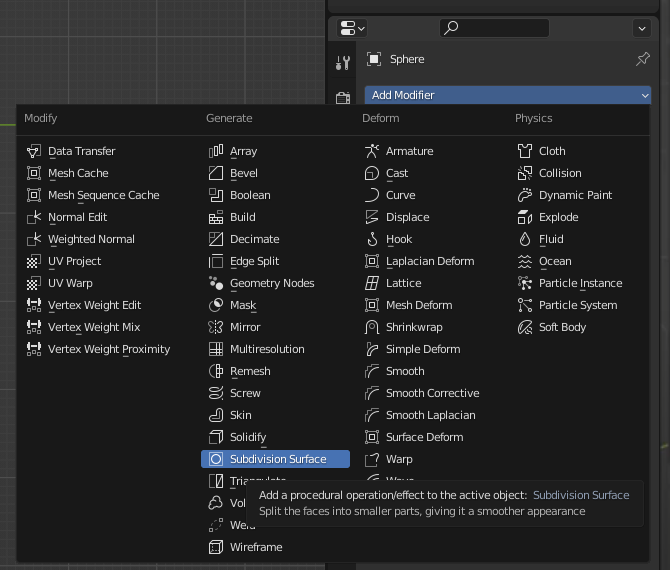 | On the right, add modifier>subdivision surface |
| Step 9 | 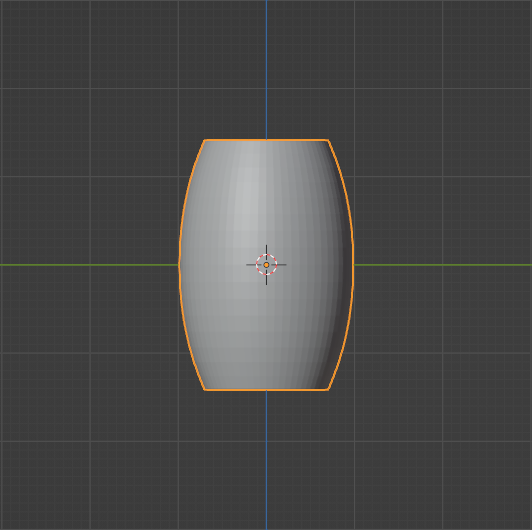 | Here is the smoothed result |
| Step 10 | 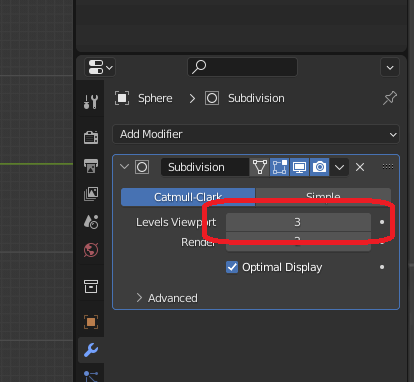 | On the right, increase the viewport levels from 1 to 3 |
| Step 11 | 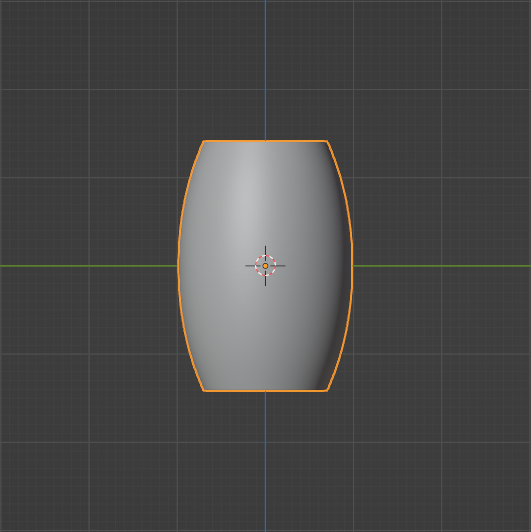 | Significantly smoother |
| Step 12 | 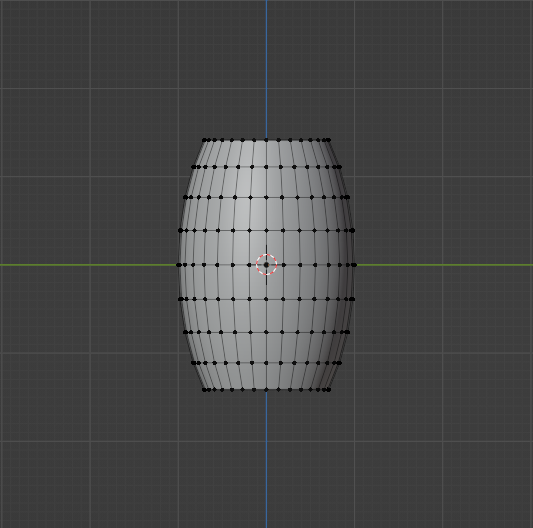 | Tab into edit mode |
| Step 13 | 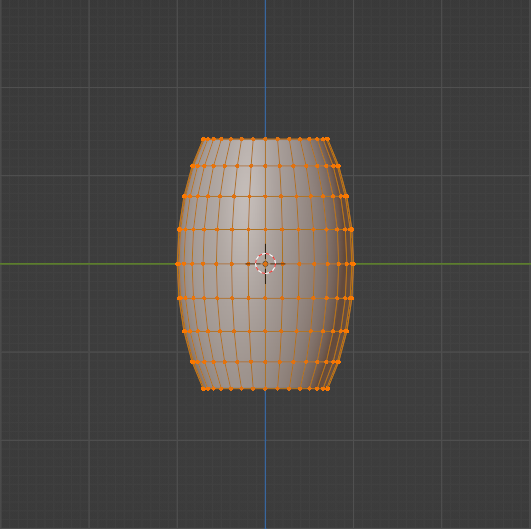 | Select all |
| Step 14 | 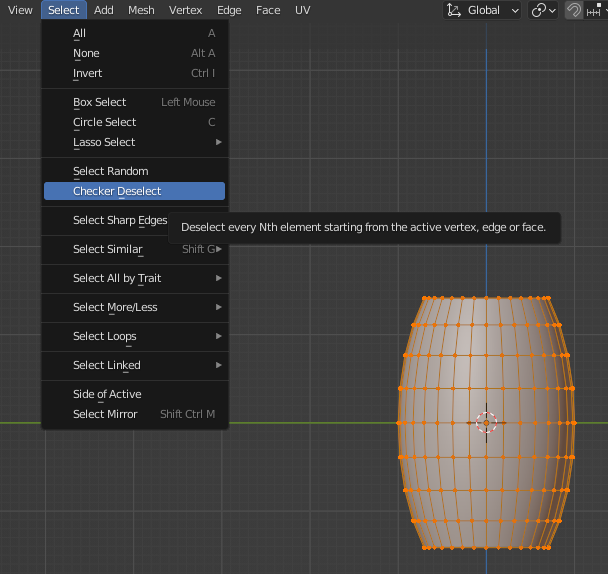 | Checker deselect |
| Step 15 | 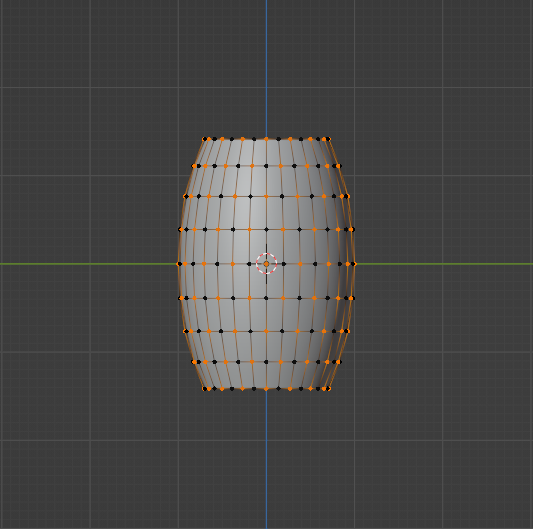 | Here is the result of checker deselect. holding shift+alt click the top and bottom rings |
| Step 16 | 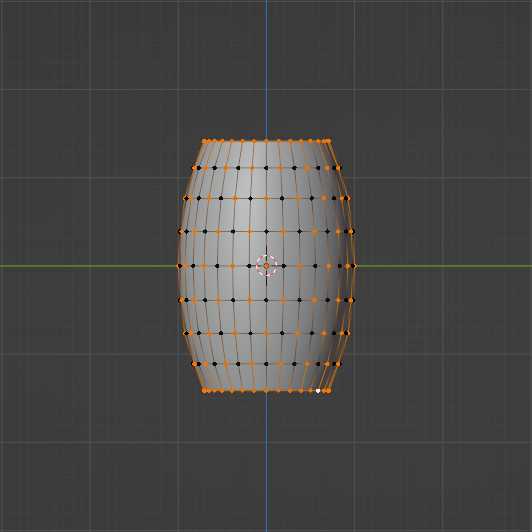 | Here is the result of selecting the top and bottom rings. press CTRL+i to invert the selection |
| Step 17 | 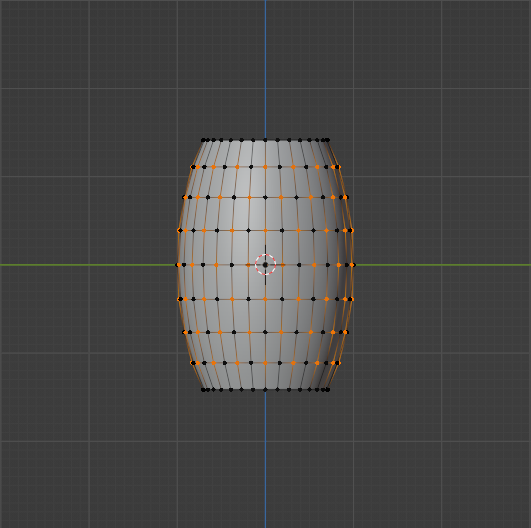 | Here is the result of inverting the selection. Press s than, shift z to confine against the z axis |
| Step 18 | 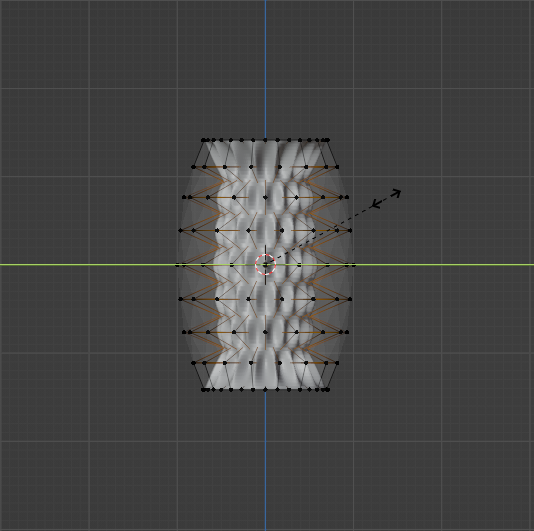 | You can drag the mouse or press 0.1 to scale to a preset value. |
| https://www.youtube.com/watch?v=NtJiDY9tzek |